Quick start
In about 15 minutes, you send a test alarm by SMS and acknowledge it by replying. Everything here uses Africa's Talking's free sandbox, so nothing costs money and nothing reaches a real phone. The messages appear in a phone simulator in your browser instead.
You need an administrator login to an Ignition gateway, 8.1.33 or later in the 8.1 line or 8.3.3 or later in the 8.3 line, and access to the Designer.
1. Open a sandbox account
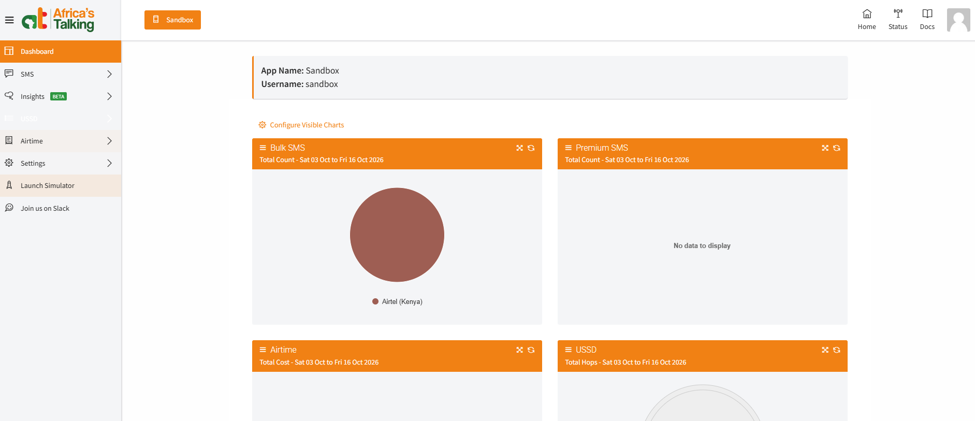
- Register at account.africastalking.com and confirm your email address. The account comes with a ready-made sandbox app, whose username is always
sandbox. - Open the sandbox app and go to Settings > API Key. Generate a key and keep it to hand. A new key can take a few minutes to start working.
- Go to SMS > Short Codes and create a short code for testing. Replies only reach Arifa through a shortcode.
2. Install Arifa
Download the .modl file for your Ignition line from the releases page. In the gateway, go to Config > System > Modules and choose Install or Upgrade a Module (on 8.3, Platform > System > Modules and Install or Upgrade Module +), and select the file. Compare the certificate thumbprint with the one in Install and verify before you accept.
3. Create a profile with Live off
Go to Config > Alarming > Notification and choose Create new Alarm Notification Profile (on 8.3, Services > Alarming > Notification and Create Profile +), pick Arifa SMS, and enter:
| Setting | Value |
|---|---|
| Username | sandbox |
| API Key | The sandbox key. On 8.1, type it into both boxes labelled Password. On 8.3, choose Embedded and type it |
| Live | Off |
| Sender ID | The test shortcode from step 1 |
| Allow Acknowledgement by SMS Reply | On |
| Reply Keyword | NEDAMA |
Leave everything else blank and save. The profile's status should read Running. Every setting is explained in Profile settings.
4. Open the simulator and add yourself as a user
-
In the sandbox dashboard, choose Launch Simulator and enter a Kenyan mobile number. Any number will do: nothing is sent to it.
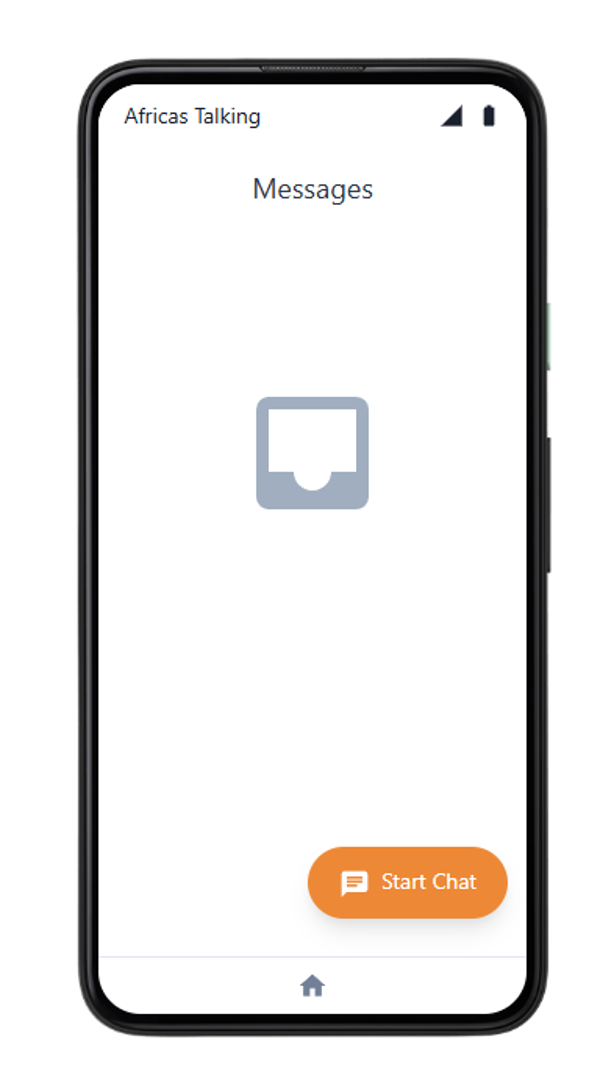
The simulator, ready to receive messages. -
In Ignition, give a user a contact of type SMS with the same number, written as
07...,01...or+254.... -
Create an on-call roster with that user.
5. Send a test alarm
- Create a memory tag of type Boolean with an alarm on it, and an alarm pipeline with a Notification block. On the block, choose your Arifa SMS profile and your roster, and set Test Mode to No. Point the tag's alarm at the pipeline. Connect to an alarm shows each step.
- Set the tag to
True.

Within a few seconds the simulator shows the alarm text, ending with a line such as Reply NEDAMA 4821 to ack. The gateway log (on 8.1, Status > Diagnostics > Logs; on 8.3, Diagnostics > Logs, at <gateway address>/app/diagnostics/logs), searched for Arifa, shows a line starting SMS accepted for 1 recipient.
If nothing arrives, set Test Mode to Yes and trigger the alarm again: the log then shows what would have been sent. See Troubleshooting.
6. Acknowledge it by reply
In the simulator, reply with the keyword and the four-digit code from your message, for example NEDAMA 4821.
Within about 15 seconds, the gateway log shows Acknowledged by SMS reply from ..., and the alarm shows as acknowledged in Ignition, by the user whose phone replied.
To move on to real SMS, see Africa's Talking setup.
Done when: the alarm shows as acknowledged in Ignition after your reply from the simulator.